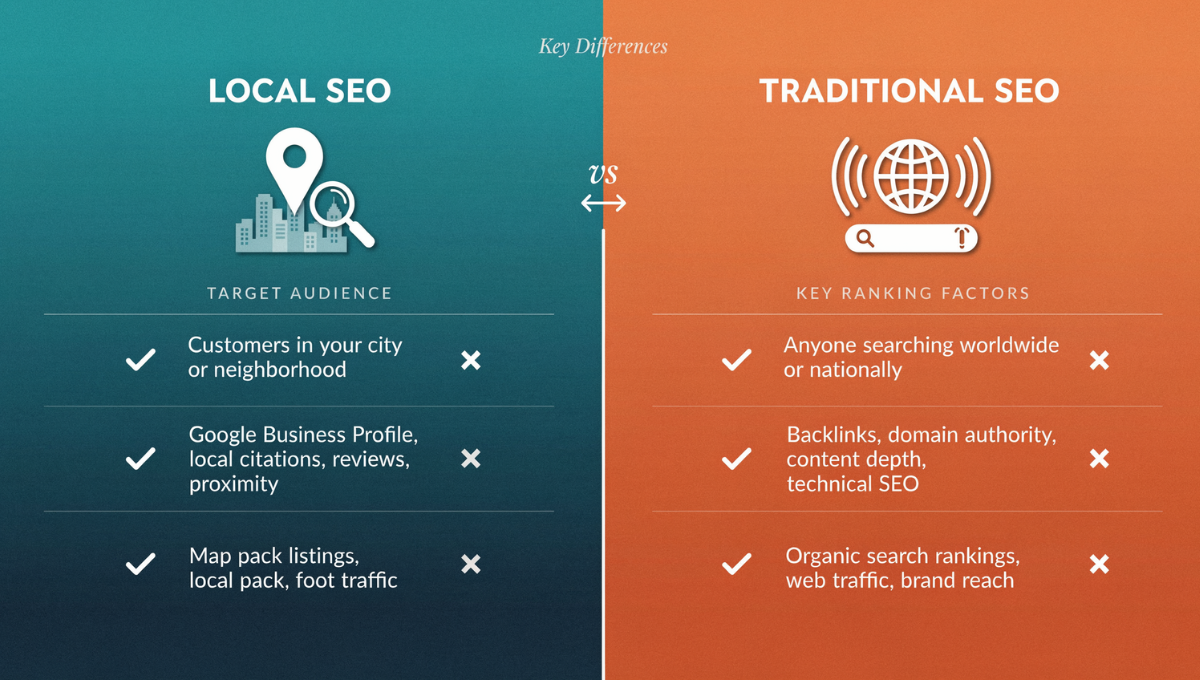
Improving Google Map ranking for small business is one of the most effective ways to increase calls, bookings, foot traffic, and local visibility, and it’s the first thing I focus on when helping a business grow.
Getting into the top 3 Google Map results (the “Local Pack”) can completely transform a small business because customers naturally trust businesses they see at the top. This guide breaks down everything I use professionally to rank businesses on Google Maps — step-by-step, with strategies, examples, tools, mistakes to avoid, and optimization tips for 2025.
Why Google Map Ranking Matters More Than Ever
Local search behavior has changed drastically.
Here’s what we know:
-
76% of people who search a local intent term visit a business within 24 hours (Google).
-
28% of those searches result in a purchase.
-
Google Maps listings appear above organic search results.
-
“Near me” searches have increased by over 500% in 3 years.
-
60% of consumers prefer calling directly from the Maps listing.
If your business doesn’t show in the top 3, your competitors are getting all the calls.
For small businesses, Map rankings = more customers.
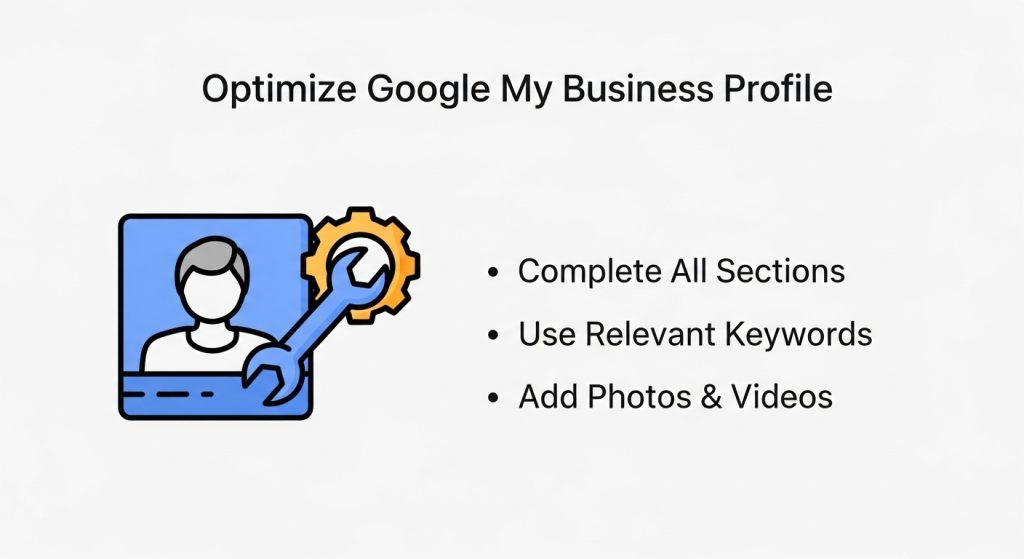
Step 1 — Fully Optimize Your Google Business Profile (GBP)
This is the #1 ranking factor, and most businesses do it wrong.
Here’s what I always optimize first:
1. Choose the perfect primary category
Your primary category affects everything.
Example:
- Plumber
- HVAC contractor
- Roofing contractor
- Dentist
- Pest control service
Choosing the wrong one = no ranking.
2. Add secondary categories
Secondary categories help you rank for additional services.
3. Write a strong business description
Include:
- Who you help
- What you offer
- Location
- Unique selling points
Example:
“We provide affordable HVAC repair and installation services in Dallas, helping homeowners stay comfortable year-round.”
4. Add all services & products
Most businesses forget this section.
Google uses this info to understand relevance.
5. Upload photos often
I recommend 3–5 photos per week.
Real photos outperform stock images.
6. Enable messaging, appointment links, Q&A
Google rewards businesses that engage.
Step 2 — Keep Your NAP Consistent Everywhere
NAP = Name, Address, Phone Number.
Google compares your business info across the web.
I always check:
- Yelp
- Apple Maps
- Bing Places
- YellowPages
- BBB
- Local directories
- Niche directories
Even one inconsistency can hurt rankings.
Step 3 — Build a Smart, Steady Review Strategy
Reviews influence ranking, trust, and click-through rate.
Here’s what affects ranking:
1. Review frequency
Google favors consistent reviews.
(Not 20 reviews in one night — that looks fake.)
2. Reviews with keywords
Example:
“Best AC repair service in Dallas — highly recommend!”
Google reads these keyword phrases.
3. Detailed reviews
Longer reviews hold more value.
4. Owner replies
Responding boosts engagement signals.
5. Review diversity
Reviews with photos rank even better.
Step 4 — Post on Google Business Profile Weekly
Google Posts show activity and freshness.
Examples of posts that perform well:
- Tips
- Promotions
- Seasonal reminders
- New service updates
- Service area highlights
- Reviews (repost them)
Posting 2–3 times per week helps improve engagement and trust.
Step 5 — Fix Your Local Citations and Build More
Citations = anywhere your business info is listed.
I build 50–150 citations depending on the industry.
High-authority citation sites:
- Yelp
- Bing Places
- Apple Maps
- Angi
- Thumbtack
- BBB
- Chamber of Commerce
- Local business directories
Industry-specific citations matter even more.
Example for HVAC:
- HVAC-specific directories
- Home improvement directories
The more consistent your NAP is, the stronger your rankings get.
Step 6 — Improve Your Website’s Local SEO Signals
Your website heavily influences Map rankings.
Here’s what I optimize:
1. City-based landing pages
Example:
-
/plumbing-service-dallas
-
/hvac-repair-houston
2. Service area pages
Helps rank in nearby cities.
3. Local Business Schema
Helps Google understand who you are, where you are, and what you do.
4. Embed Google Map
This sends location authority.
5. Improve page speed
Slow websites reduce ranking trust.
6. On-page keyword optimization
Your page should mention:
- City
- Services
- Neighborhoods
- Local intent
Step 7 — Build Local Backlinks
Local backlinks improve trust and map visibility.
Here’s where I get them:
- Local bloggers
- Sponsorships
- Local newspapers
- Community events
- Neighborhood websites
- Local partnerships
- Associations and chambers
Even 5–10 local backlinks can push a business into the top 3 pack.
Step 8 — Track Your Ranking With Professional Tools
Never check manually — ranking changes by location.
Use these tools:
- Local Falcon
- BrightLocal Grid Tracker
- Local Viking
- Grid My Business
These show rankings in a radius grid around your business.
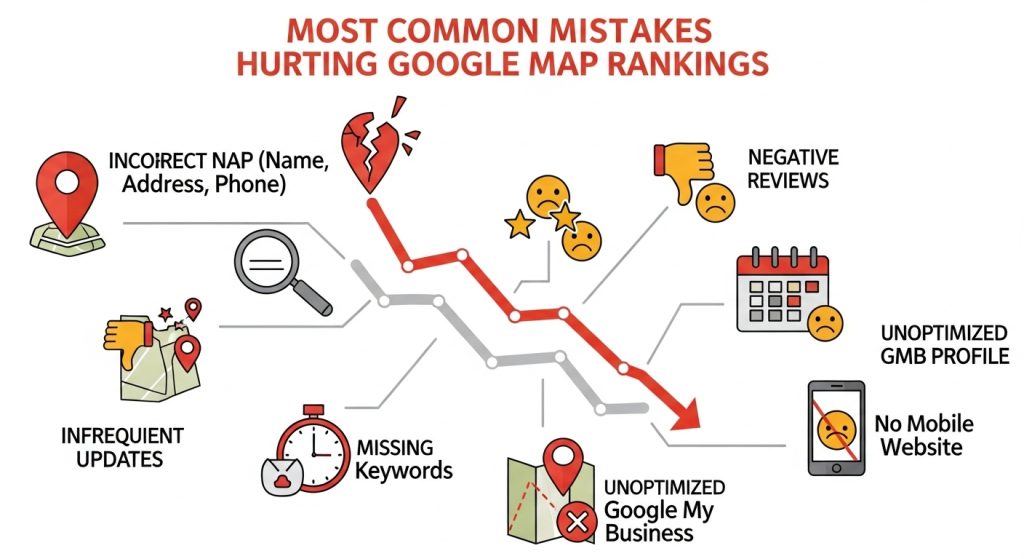
Most Common Mistakes Hurting Google Map Rankings
Avoid these:
❌ Wrong primary category
❌ Duplicate business listings
❌ Fake reviews
❌ No website
❌ Wrong service areas
❌ No photos
❌ Virtual office (Google may suspend)
❌ Inconsistent NAP
❌ No citations
❌ No backlinks
❌ Rarely updated profile
Fixing these often causes rapid ranking jumps.
Why Your Business Isn’t Ranking
1. You’re outside the searcher’s proximity
Your address matters.
2. You chose the wrong primary category
This issue alone kills rankings.
3. Your NAP is inconsistent
Fix your directory listings.
4. You don’t have enough reviews
Reviews = ranking power.
5. Google Business Profile is incomplete
Fill every field.
6. Website has no location signals
Add city names + schema.
7. You recently updated your address
This can temporarily drop rankings.
FAQs
How long does it take to improve Google Maps ranking?
Usually 4–12 weeks, depending on competition.
Can a business rank without a website?
Yes, but having a website speeds up ranking.
Why is my Google Business Profile not showing?
Common causes: suspension, wrong address, distance issues, duplicates.
How often should I post on my GBP?
At least 2–3 times per week.
Learning how to improve Google Maps ranking for small business is one of the best ways to increase calls, visibility, and customer trust, and by following the steps in this guide, any small business can rise to the top of Google Maps and dominate local search.
And that’s exactly how to improve Google Maps ranking for a small business.